
Digital Lingual Orthodontics
How to Submit a Case on
Eline System Web Portal
1 | SIGN UP
I
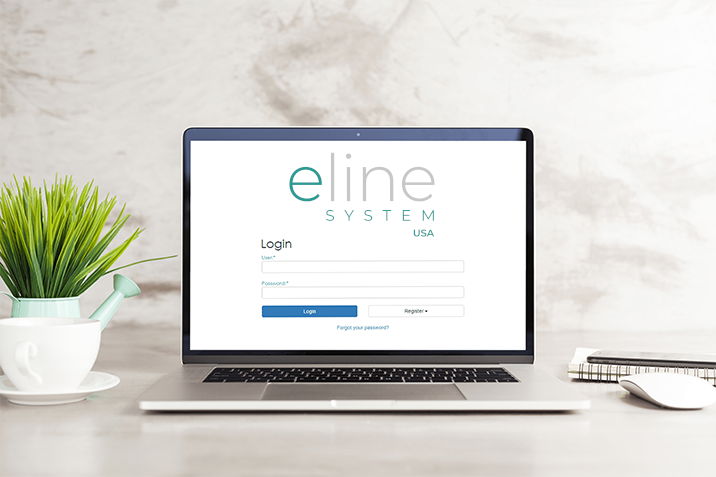
SIGN UP
Go to the Portal (elinesystemusa.com)
and create your personal profile.
You will receive an e-mail and SMS notification with your registration details.
2 | SUBMIT

I
SUBMIT YOUR CASE
In your personal area you can order your lingual case by filling out the online interactive prescription form.
You will receive an e-mail and SMS notification of your successfully submission.
3 | REVIEW
I
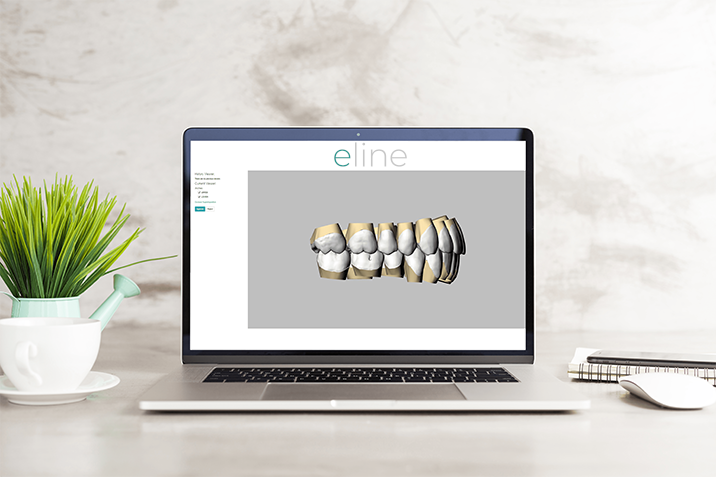
REVIEW SETUP
Eline System will upload the digital setup in your Personal Section.
Review the 3D setup model in an interactive online viewer.
Approve or ask for any modification.
You will receive an e-mail and SMS notification once the 3D setup model has been uploaded.
4 | RECEIVE
I
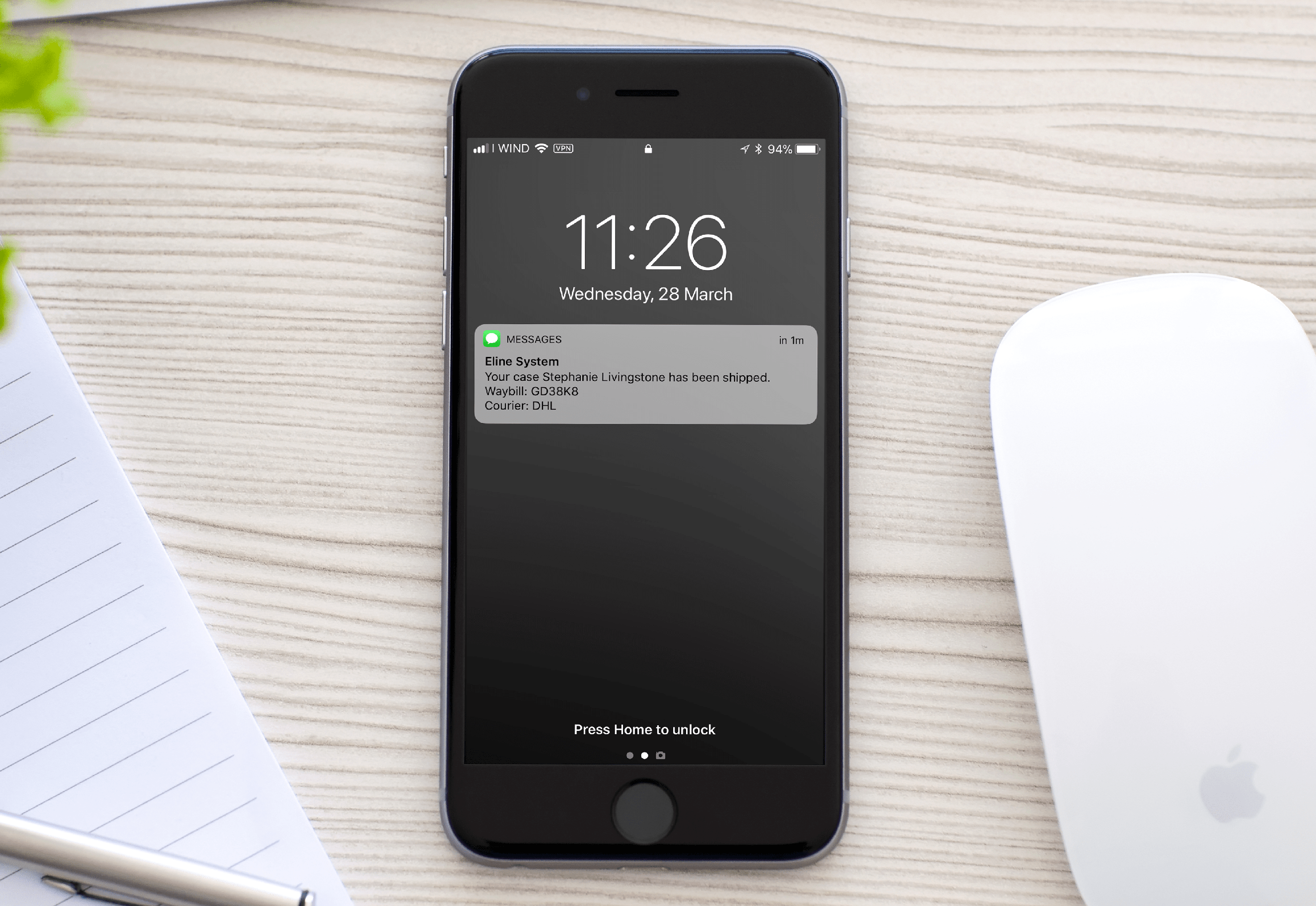
RECEIVE YOUR PACKAGE
Receive the Eline System package directly at your office. You will find the transfer trays to be used for patient bonding and straight lingual archwires selected in the submission step.
You will receive an e-mail and SMS notification with your shipment details.
5 | SUPPORT

I
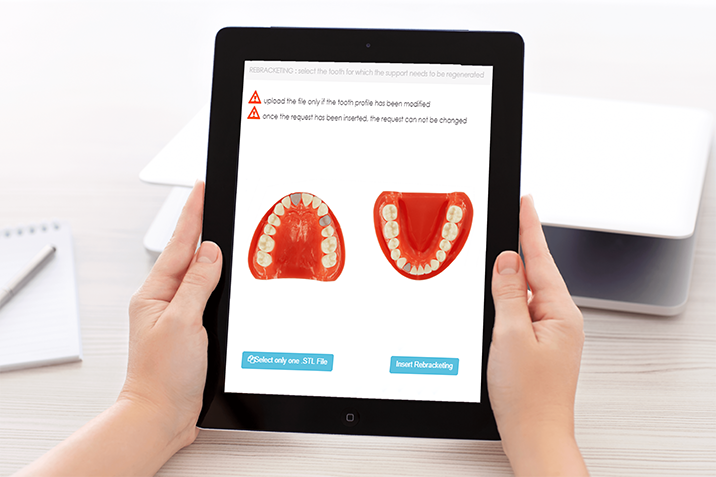
SUPPORT
In case of debonding or wire breakage you can place your rebracketing order visiting the dedicated section in the Eline webportal.
You will receive an e-mail and SMS notification with your rebracketing kit shipment details.
WHY CHOOSE ELINE SYSTEM

No Bending wires

Customized Alias & STB
lingual brackets

Innovative Software

Predictable Treatment

Full-Case management
interactive system

User-Friedly Web Portal

Dedicated Support

Fast&Easy wire replacement
Re-Bracketing services